UBT EPS-TOPIK Exam Application
Native Android app simulating official EPS-TOPIK CBT/UBT experience with real exam interface, audio-based listening, and offline support.
Overview
Comprehensive exam simulation platform for candidates preparing for the Employment Permit System (EPS) test. Replicates official CBT environment administered by HRD Korea.
Role
Android Developer (Solo Project)
Tech Stack
Context & Problem
Candidates face several prepareation challenges:
- Limited access to realistic CBT practice environments
- Unfamiliarity with official exam interface and navigation
- No offline practice options for poor connectivity areas
- Difficulty simulating time-pressured conditions
- Limited feedback on performance and improvement areas
Solution
Built a native Android app providing authentic EPS-TOPIK exam experience with pixel-perfect official interface, integrated audio playback, automated timing controls, and comprehensive result analytics.
Key Features
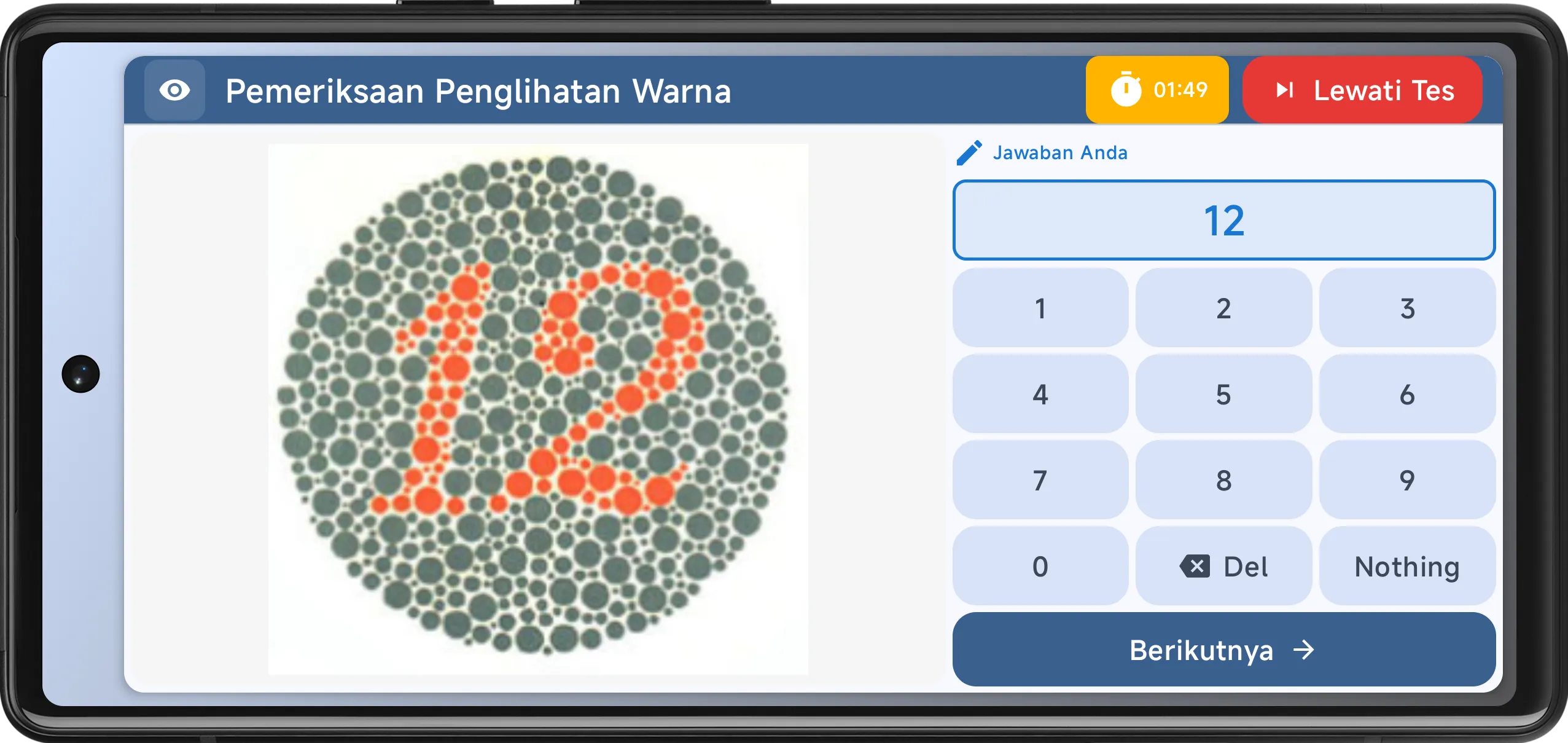
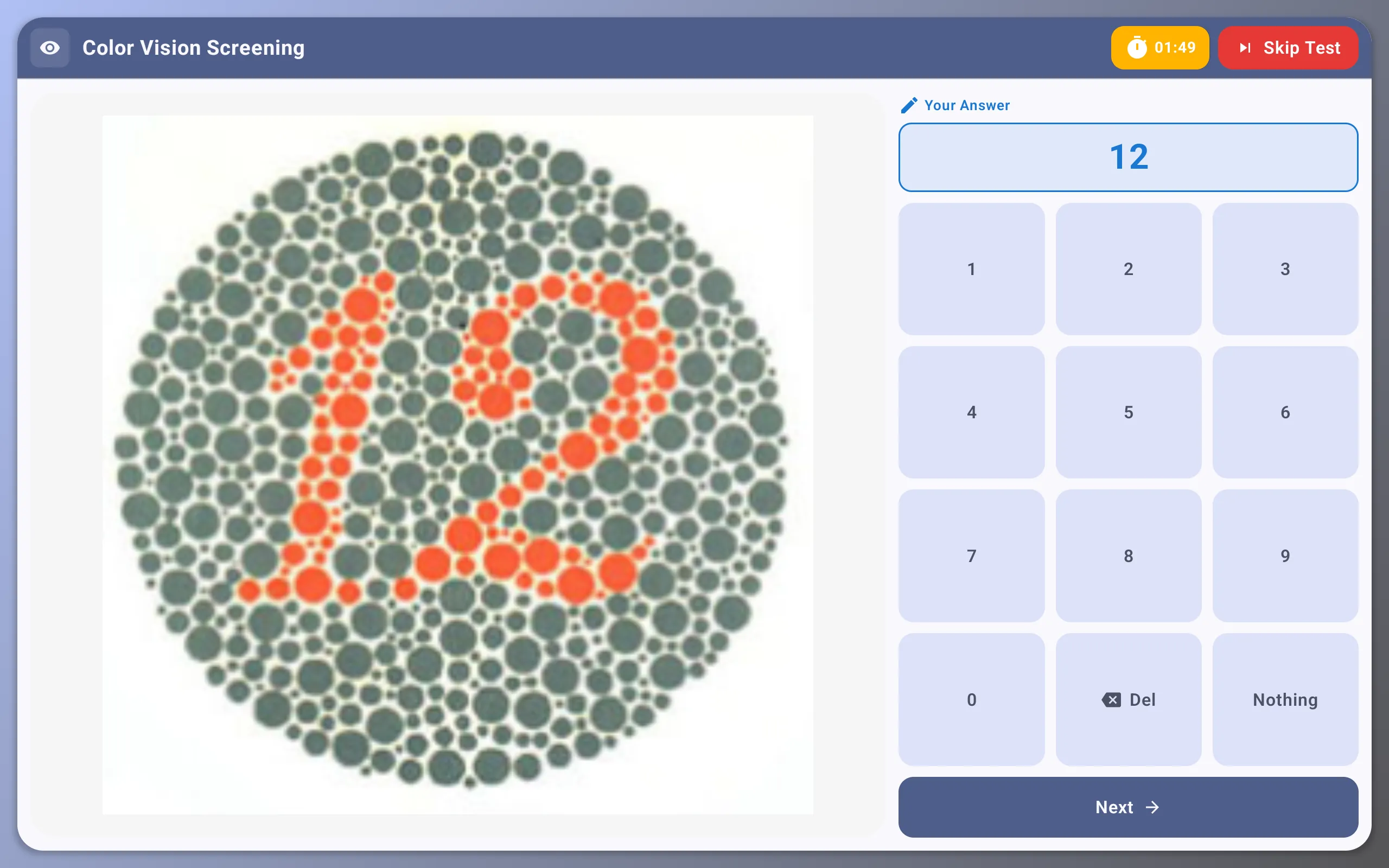
Real Exam Interface
Pixel-perfect recreation of the official EPS-TOPIK CBT/UBT interface including navigation and layout.
Audio Listening Tests
Integrated audio controller for listening sections with seek prevention and auto-play logic.
Offline Mode
Download exam packages including images and audio for practice without an internet connection.
Real-time Scoring
Instant result processing with score breakdown by section and time spent per question.
Exam Flow Logic
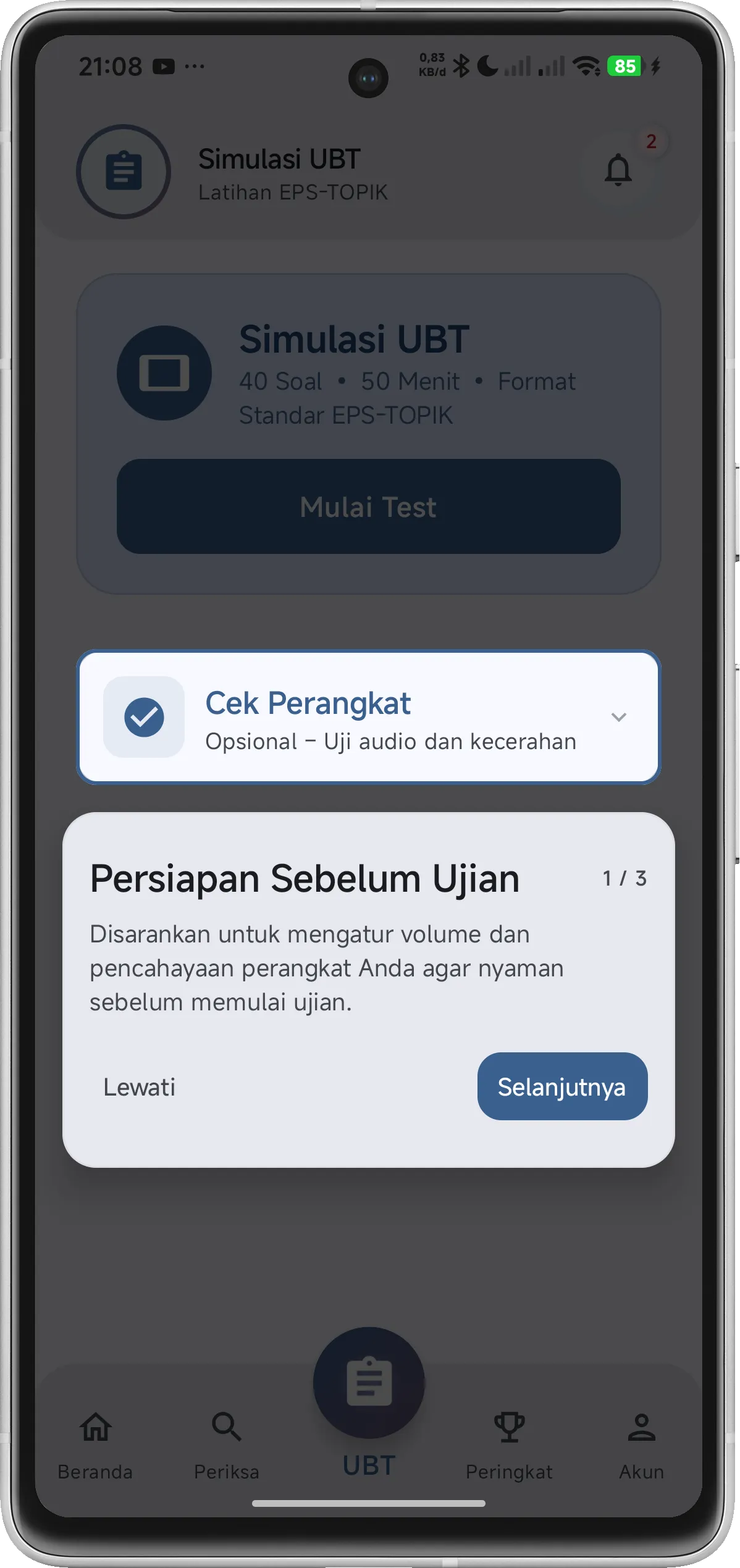
Includes pre-exam instructions, real-time timer, answer review, and formal submission flow.
Data Synchronization
Automatic synchronization of test results and progress to the cloud when online.
Impact & Results
Helping candidates prepare more effectively for the EPS-TOPIK exam:
- Reduced exam anxiety through familiarity with the actual interface
- Improves time management skills with realistic timing simulation
- Enables practice in areas with limited internet access
- Provides detailed performance analytics for targeted improvement
Screenshots
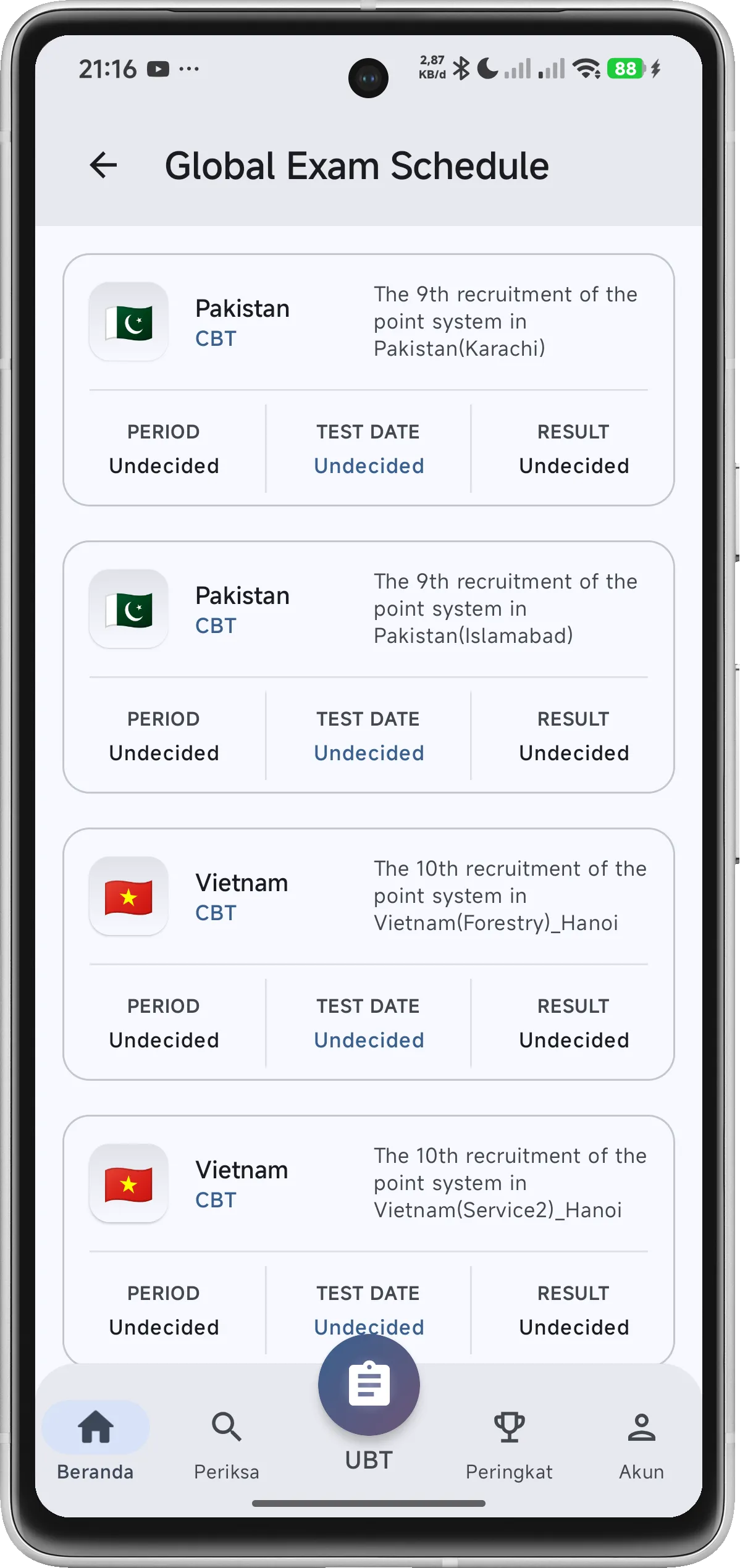
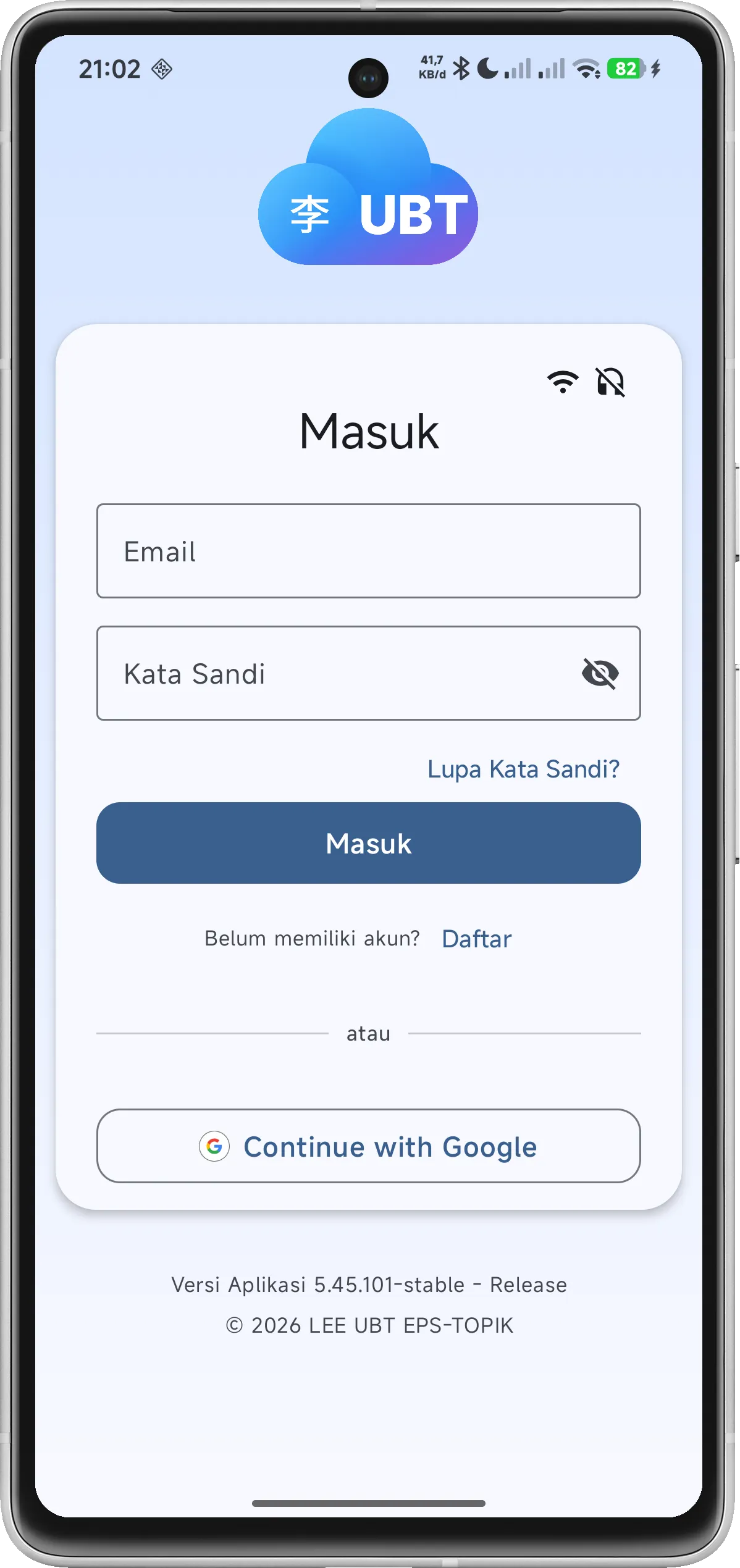
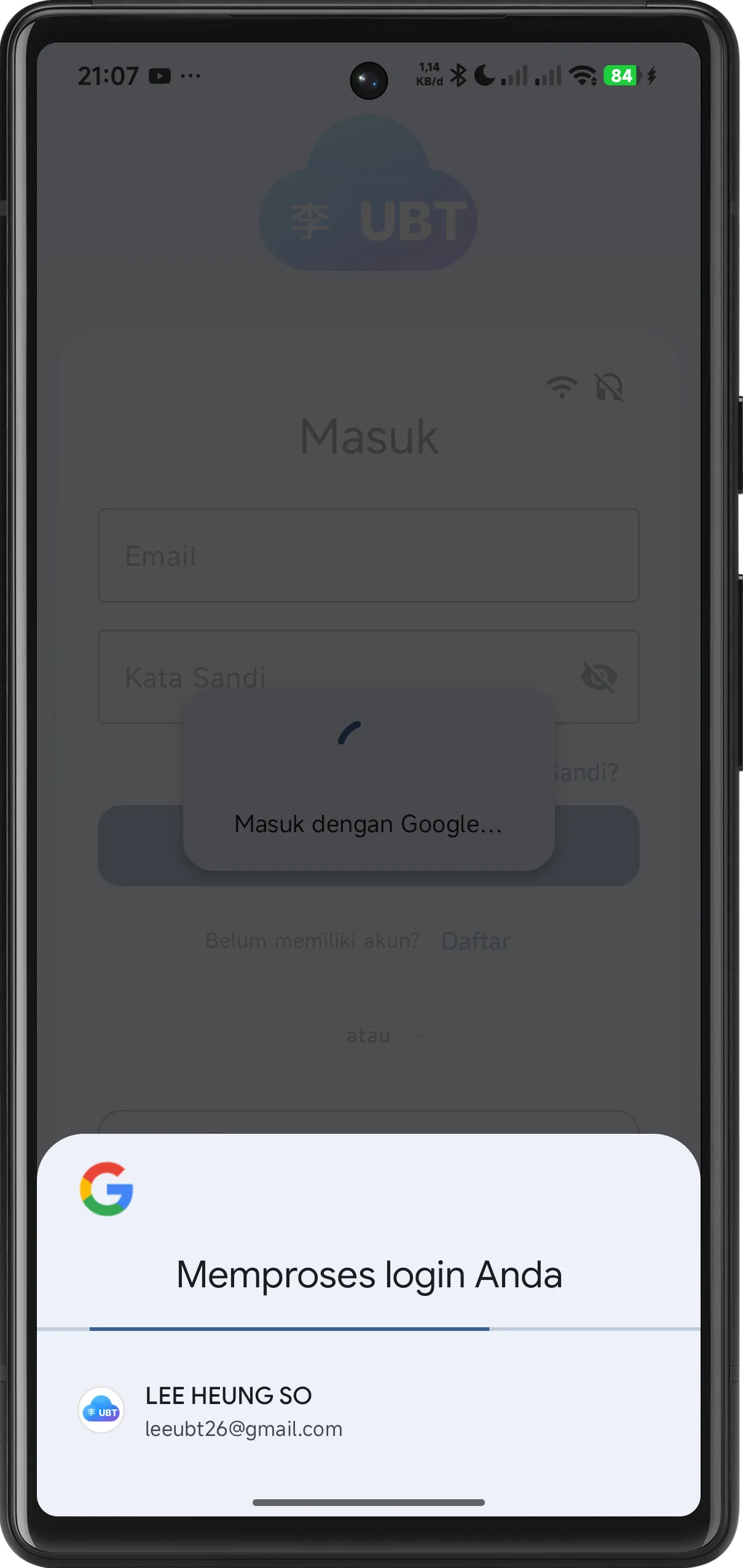
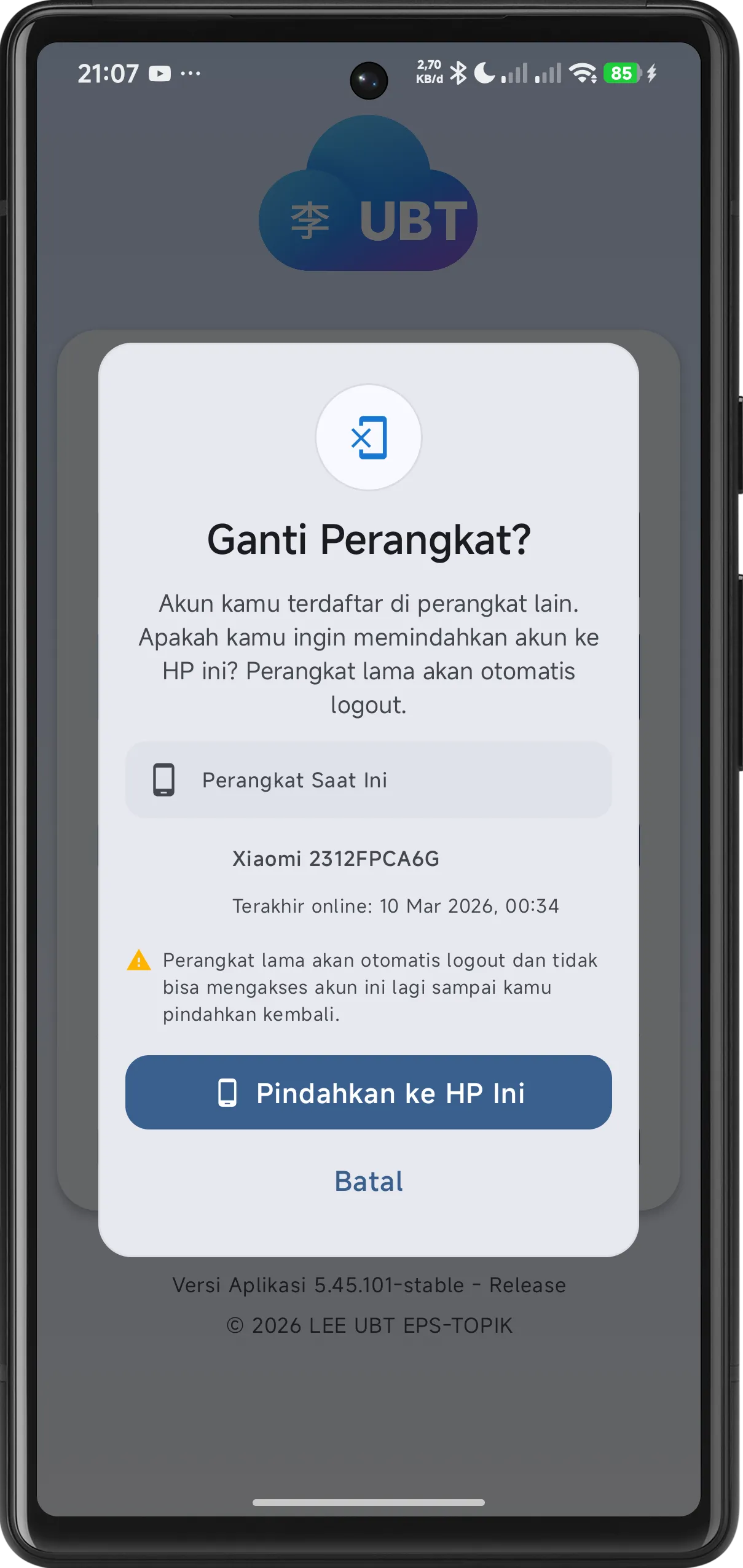
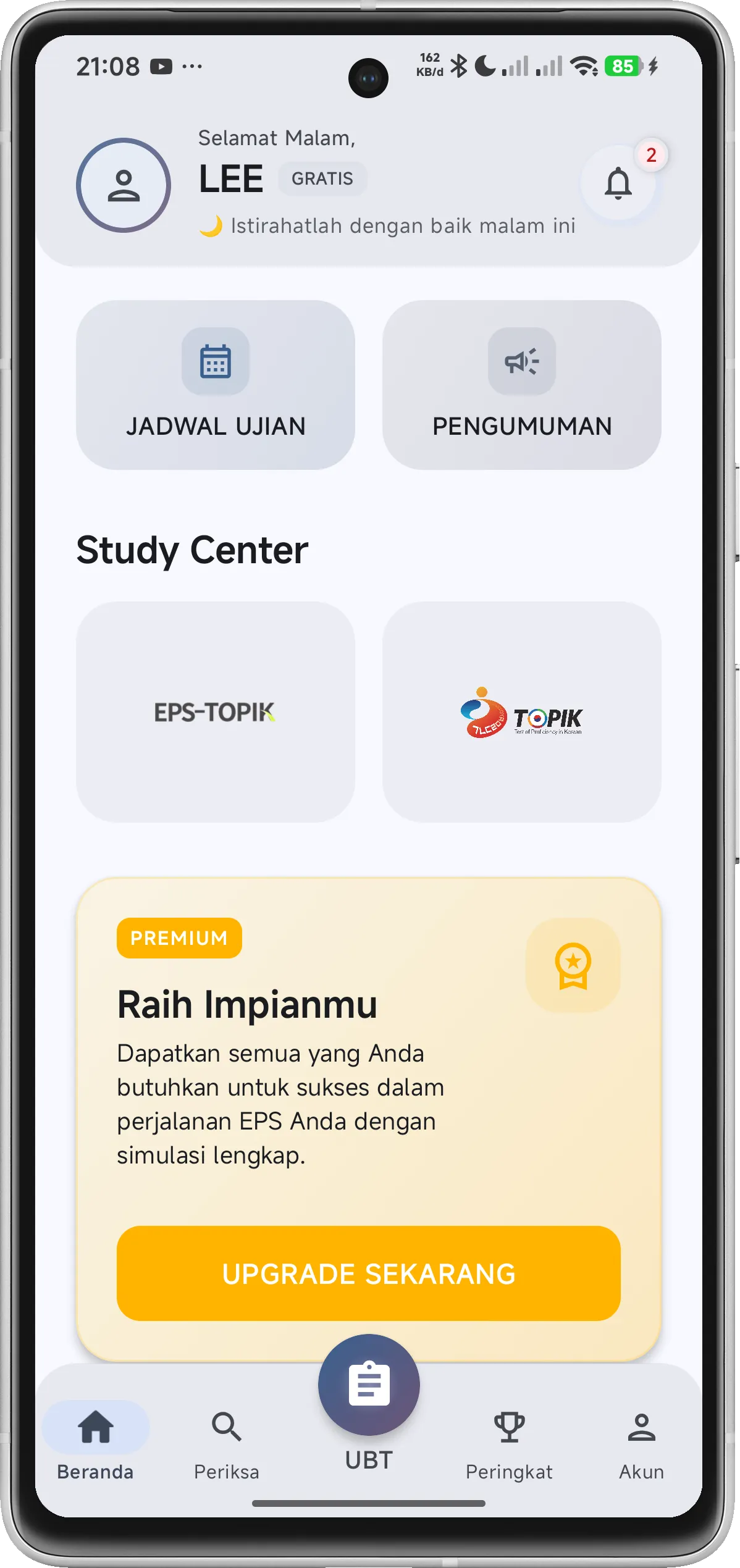
App Screens (Portrait)
Exam Flow (Landscape)